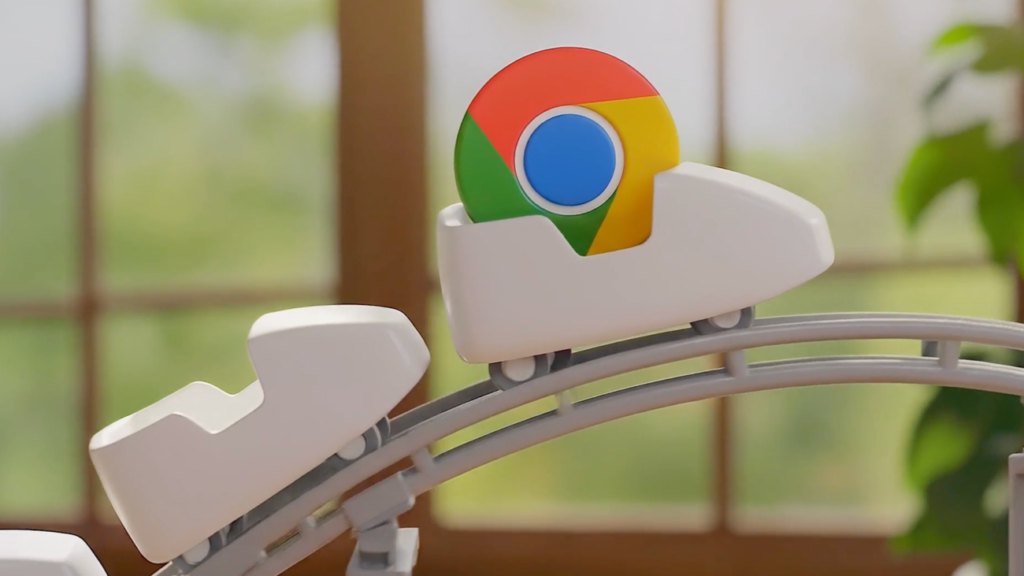
Google has announced significant updates to its Gemini AI technology integrated into Chrome for MacOS, Windows, and Chromebook Plus. These enhancements aim to improve user productivity by enabling multitasking through a new side panel experience, allowing users to manage different tasks simultaneously without switching tabs.
The new side panel feature provides a browsing assistant that remains accessible regardless of the active tab. Users can utilize this tool for various tasks, such as comparing options across multiple sites or summarizing reviews, making it easier to manage complex workflows.
Additionally, the introduction of Nano Banana allows users to transform images directly within Chrome without the need to download or re-upload files. This feature enables creative tasks, such as redesigning spaces or creating infographics, to be completed more efficiently.
Gemini in Chrome also supports integrations with popular Google applications, including Gmail, Calendar, and Google Flights. This functionality streamlines tasks like booking travel by accessing relevant emails and providing contextual information to enhance productivity.
In the coming months, Chrome will introduce Personal Intelligence, which will offer tailored assistance based on users’ past interactions. This feature aims to enhance the browsing experience by providing proactive and relevant support while allowing users to control their data connections.
Chrome’s new auto browse feature will assist users with complex tasks, such as planning vacations or filling out forms, by automating multi-step processes. This capability is designed to save time and simplify various online activities.
Finally, Google has implemented rigorous security measures to protect users while using these new features. The auto browse function will require user confirmation for sensitive actions, ensuring that users maintain control over their online activities.